

Open the app you need. Choose from the programs published on your host. They run there, under your Windows account.
Run remote Windows apps
on your own desktop.
Open programs from your Windows PC in separate windows. Move, resize and use them alongside your local applications.
Remote applications.
Part of your local desktop.
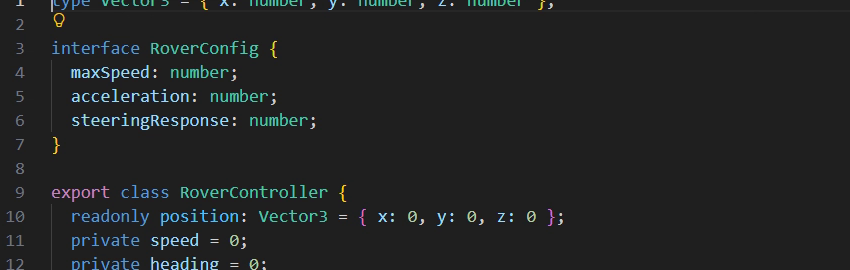
 Code
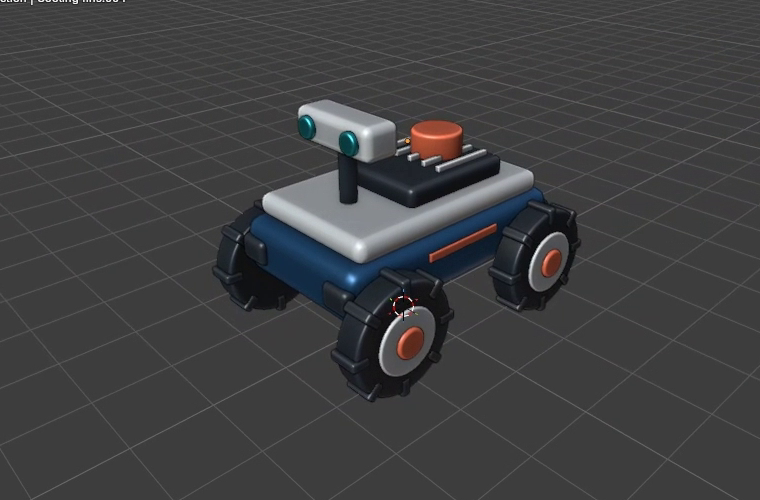
 Blender
Switch with Alt + Tab. Remote app windows appear in the Windows app switcher alongside your local applications.
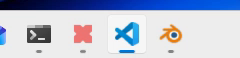
Find apps on your taskbar. Minimize a remote window, return to it or switch focus with the same controls you already use.
Sharp text, smooth video
and familiar controls.
Apps run on your Windows PC
Use the software installed on your host from another device. Your remote apps stay separate from the desktop used by the person sitting at the PC.
About separate workspacesEfficient image updates
Changed regions use pixel updates, including lossless QOI or lossy JPEG. Quiet windows reduce hardware encoding work and simultaneous video encoding sessions.
Use familiar controls
Type, click and scroll as usual. Relative mouse input supports camera movement in compatible games and 3D tools.
Adaptive video bitrate
Video bitrate decreases when the network gets congested and rises again as conditions improve, helping keep frames responsive.
Apps switch between video for motion and pixel updates for static content.
Explore streaming featuresRemote windows like local ones.
The installed client gives each app a window on your desktop. Arrange your work without navigating a second desktop inside a viewer.
- Alt + Tab with local and remote apps
- Individual taskbar entries
- Move, resize, minimize and maximize
- Independent window focus
Desktop client or browser?
Both connect to your published apps. The difference is how those windows integrate with your device.
| Feature | PrimalDesk Client | Browser Workspace |
|---|---|---|
| Where app windows appear | On your local desktop | Inside the Workspace tab |
| Alt + Tab | ||
| Pixel updates and video | ||
| Relative mouse input | Supported; Escape releases capture | |
| System shortcuts | Some remain reserved by the browser or local OS | |
| Installation on this device | PrimalDesk Client required | No client installation required |